Create a Cart Ride Guides
Deep tutorials for riders and builders who want fewer derails and faster Friday unlocks.
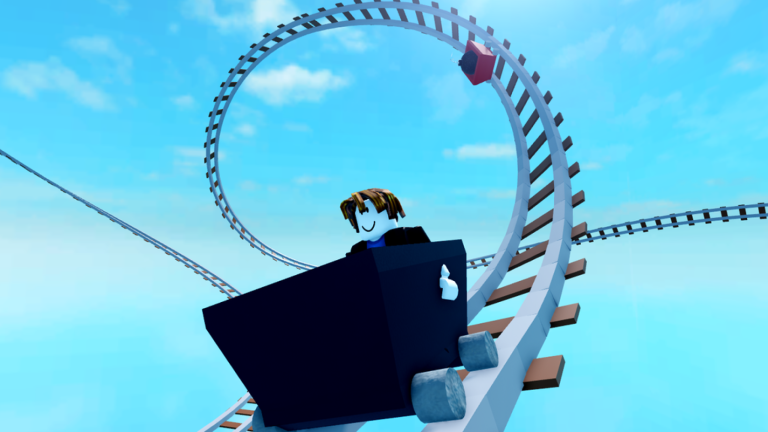
The Guides Hub is the long-form classroom for Create a Cart Ride. Whether you just spawned for the first time or you publish cinematic rides every week, start here, then branch into the specialised tutorials linked below. Each guide targets a real search intent: how to play, how to build, how to unlock, how likes and trending work, which game passes matter, how to film, how to recover, and how to place meshes on mobile.
Start with the fundamentals
New players should open how to play before grinding. That page covers joining, reading the HUD, picking a starter cart, and planning your first hour. Immediately after, skim controls so F, Ctrl+R, V, and Shift+P become muscle memory instead of panic keys.
Building and creator craft
Create a Cart Ride is famous because players author the content. How to build walks through extending rails, softening drops, testing loops, and avoiding derail magnets that scare visitors away. Creators who want cutscenes should continue with camera parts, and mobile builders should study meshes on mobile.
Progression and collection
Cart collecting is a marathon. Unlock carts explains playtime ladders, code carts, and Friday challenge carts. Dive deeper into creator rewards on likes and trending, and read game passes before spending Robux. Pair everything with the unlock checklist tool and active codes.
How these guides connect
Every guide page cross-links siblings in this category and points outward to tier list, tools, updates, and scripts when relevant. On desktop, the Guides dropdown shows the top entries and a View all link into this hub when the list grows past eight items—so this page stays the complete table of contents.
Recommended reading order
- How to play
- Controls
- How to redeem codes
- Unlock carts
- Likes and trending
- How to build
- Game passes if you are considering Robux
- Camera parts or meshes on mobile depending on your device
Why depth matters
Short tip lists cannot explain why a steep drop flings riders or why an oversized train fails a hammer gauntlet. These guides aim for practical depth: session plans, failure cases, and recovery steps. When a Friday update lands, revisit friday updates then return here if new props change creator workflows.
Create a Cart Ride rewards curiosity. Ride other people’s tracks, note what felt fair, then rebuild those lessons into your own layout. This hub exists so that feedback loop stays fast.
How search intent maps to these guides
People searching how to play should land on the beginner session plan. Controls queries belong on the binds deep-dive. Unlock and collection questions belong on unlock carts plus likes and trending. Pass value questions belong on game passes. Builder queries split into how to build, camera parts, and meshes on mobile depending on device. Use those landings, then cross-link into codes, tools, and updates so every session ends with a concrete next action instead of another random world hop.
Expanded session notes
Pick one guide per session as the primary focus so you leave with a finished habit instead of six half-read tabs.
Frequently Asked Questions
Quick answers to the most common questions.
Which guide should I read first?
Start with how to play, then controls, then unlock carts. Builders should continue with how to build and camera parts.
Are these guides only for PC?
No. Controls differ slightly on mobile, and the meshes on mobile guide covers touch-specific creator tips.
Where do codes fit?
Codes are covered in the Codes hub, but unlock carts explains how code carts sit beside playtime and Friday unlocks.