Create a Cart Ride How to Use Meshes on Mobile
Touch-friendly mesh placement so your Create a Cart Ride builds stay pretty without melting phones.
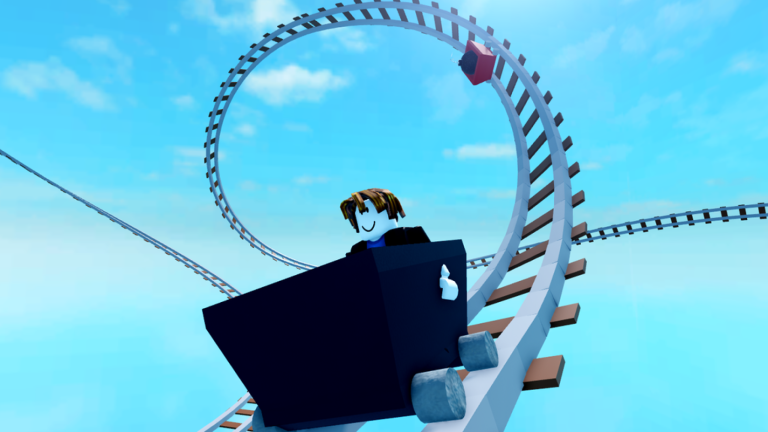
Mobile creators keep Create a Cart Ride vibrant between PC sessions. Meshes add personality—trees, props, themed scenery—but touch screens and thermal limits change the workflow. Watch the short embedded demo, then apply the checklist below. Continue creator craft with how to build and camera parts.
Why meshes feel different on mobile
- Selection handles are harder to tap precisely
- Heavy mesh counts raise heat and frame drops
- Camera orbit gestures can fight UI buttons
- Lighting and shadows may simplify on low settings
Design for readability first. A clean rail line beats a forest that hits 15 FPS.
Placement tips
- Zoom closer before rotating a mesh.
- Place large hero meshes sparingly near the start and finale.
- Keep obstacle sightlines clear—foliage that hides hammers feels unfair.
- Duplicate carefully; accidental stacks create invisible collision.
- Test the ride after every major scenery pass.
Performance budget
Set a personal budget: for example, a handful of dense meshes per major section. Prefer repeated simple props over unique ultra-high assets on every stud. If your phone throttles, remove decorative meshes farthest from the ride path first.
Mixing meshes with gameplay props
Kill parts, boosts, and checkpoints must remain obvious. When a mesh doubles as cover for a hazard, telegraph it with audio, particles, or an earlier warning prop. Review fairness ideas in how to build.
Mobile plus camera parts
Cutscenes on mobile can stutter if cameras and meshes peak together. Add camera parts only after the mesh pass is optimised. Keep shots short.
Cross-play expectations
PC riders may run higher settings than your build phone. Still test on the device you own—most complainers are on mid-range mobiles. Ask Discord friends listed via official links to trial your ride.
Session plan for mobile builders
- Block out rails without meshes.
- Playtest physics.
- Add meshes in one section.
- Playtest again.
- Only then decorate the next section.
Related pages
Mobile building is absolutely viable when you respect performance and tap precision. Meshes should sell the fantasy, not hide broken rails.
Collision surprises from pretty meshes
Decorative meshes sometimes include unseen collision thicker than the visual. After placing a rock wall or tree line, ride flush against it. If the cart scrapes empty air, simplify the mesh or nudge it farther from the rail. Fairness beats foliage density, especially for players on smaller phone screens who already struggle to spot hammers.
Expanded session notes
If your phone throttles, strip decorations farthest from the rail first—gameplay collision matters more than distant skyline flex.
Depth checklist
For guides/meshes-mobile, confirm you have: redeemed current codes where relevant, chosen a cart that matches the task, practiced recovery binds, and recorded progress on the unlock checklist. Then open one related hub—guides, tier list, tools, updates, scripts, or links—and complete a single concrete action before you queue another random world. Create a Cart Ride rewards players who chain small intentional steps more than players who tab-hop endlessly.
If your phone throttles, strip decorations farthest from the rail first—gameplay collision matters more than distant skyline flex. Additional detail: write one sentence about what failed last run and one sentence about what you will change next run. That tiny journal turns repeated wipeouts into data instead of frustration, whether you are redeeming, building, grinding Friday carts, or researching scripts safely.
Frequently Asked Questions
Quick answers to the most common questions.
Can I build Create a Cart Ride tracks entirely on mobile?
Yes. Many creators do. Work in smaller passes and keep mesh counts under control.
Why does my ride lag on phones?
Dense meshes, stacked decorations, and busy cutscenes are common causes. Remove distant props first.
Should meshes hide hazards?
Avoid surprise kills behind dense foliage. Telegraph danger so mobile riders can react.